Today: 9:00AM - 7:00PM
Blog / Technology

How to use the Auto Defogger in your Kia vehicle

Video guide to defogging your Kia vehicle

We all know the struggle of vehicle windows fogging up when the inside temperature of the vehicle does not match the outside temperature. It is not only frustrating to have your vision obscured by a white film but dangerous since the glare on the fog or the thickness of the fog can prevent a driver from seeing through their vehicle’s windshield. Thankfully, your Kia vehicle can help you deal with unruly fog. Watch the video guide of how to use the auto defogger in your Kia vehicle to learn how.

Click here to schedule a test drive


Kia Auto Defogging System (ADS) video by Kia Features and Functions Videos


Click here to schedule maintenance


Posted in:

Related Posts

Experience With Kia Connect

Enhance Your Kia Experience With Kia Connect in Concord, CA!

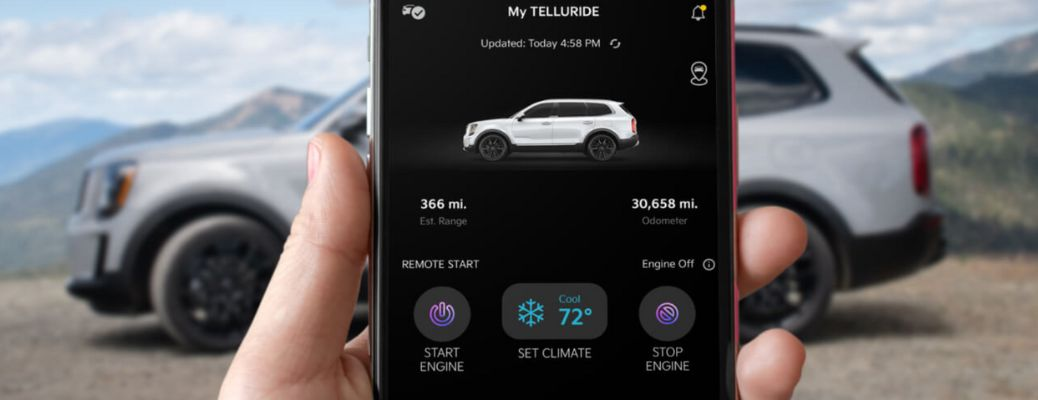
What Does Kia Connect Do? Technology has become an integral part of our daily lives in today's fast-paced world, and the automotive industry is no exception. For starters, Kia vehicles come with Kia Connect, a cutting-edge technology that takes your Kia ownership experience to the next level. more What does Kia Connect do? It provides access to various remote features and services that offer convenience, security, and peace of mind. Please keep reading to learn more about it from our team of experts at Concord Kia in Concord, CA. Have Questions? Call Us 925-682-7100 Kia Connect Features Some of the most popular features of Kia Connect include: Smartwatch App for iOS and Android With the Kia Connect Smartwatch App, available for both iOS and Android devices, you can remotely start your engine, adjust climate settings, and view detailed vehicle information by pairing your smartwatch with the Kia Access App on your mobile device. Find My Car No more wandering aimlessly searching for your parked Kia. With the Find My Car feature, you can conveniently locate your vehicle and get directions to it with just a few taps on your smartphone. Remote Climate Control Using the Kia Access app, you can heat or cool your car remotely, eliminating the discomfort of sweltering seats or icy interiors. A Guide to Kia Vehicles With Advanced Parking Assist Rear Occupant Alert Sensors in the rear seats detect movement after the doors have been locked and send an alert on your smartphone if someone or something is left in the second or third row. Remote Door Lock & Unlock With Kia Connect, you can lock and unlock your vehicle remotely from your smartphone, no matter where you are. Connected Routing This powerful feature provides better routing, higher arrival time accuracy, and real-time traffic data, ensuring you reach your destination with ease. View Our New Kia Inventory Kia Connect Plans If you are nearing the end of your one-year free trial of Kia Connect, you can choose from the following plans: Lite Care Plus Ultimate Complimentary for up to 5 years $5.99 monthly/$59 annually $14.99 monthly/$149 annually $19.99 monthly/$199 annually 911 Connect Features of Lite Features of Care Features of Plus Remote charge Roadside assistance Remote door lock/unlock Home-to-car (Alexa) Dashboard Warning Lights on Kia Vehicles Explore Kia Connect Technologies at Concord Kia! Kia Connect revolutionizes the way you interact with your Kia vehicle. To experience the full capabilities of the Kia Connect technology, schedule a test drive at Concord Kia in Concord, CA, today.

Kia technology

Get to know the latest Kia technology before you take it home

What can I do with Kia UVO Link? There are not many vehicles that can match the Kia lineup in terms of features and starting price. Concord Kia is home to many 2021 models and most of them are equipped with the automaker’s latest technology, including a widely available smartphone-compatible infotainment system that will work with both Android Auto ™ and Apple CarPlay®. Additionally, Kia provides a native software architecture that will handle a lot of different functions. If you’re wondering, ‘What can I do with Kia UVO Link,’ Concord Kia is here to help. The UVO Link system is picking up some upgrades for the new model year and can help Kia vehicle owners find local points of interest and even remotely control certain features, like door locks. Our team found a couple of videos that explain how th ese features work. If you have any questions, please reach out to one of our product experts today. more READ MORE: Are you interested in something with more performance? View the entire Concord Kia Inventory Contact Concord Kia for more help today

How Do You Connect to Bluetooth® Inside Your Kia Vehicle?

Using Bluetooth® with UVO eServices in Your Kia Vehicle Are you trying to learn how to connect your smartphone with your Kia vehicle’s Bluetooth® Wireless Technology? If so, then you have come to the right place! Our staff here at Concord Kia is here to help our customers understand how to use all the key aspects of their Kia vehicles. Let’s walk through activating UVO eServices and pairing your smartphone to Bluetooth® together! more How to Activate UVO eServices You can activate UVO eServices in your Kia vehicle relatively easily. Follow these steps to activate UVO eServices in your Kia vehicle: Press the “Mode” or “Information” button on the steering wheel Touch “Setup” on the touchscreen display Touch “UVO eServices” on the touchscreen display Touch “UVO eServices Activation” on the touchscreen display Touch “Activate” on the touchscreen display You have activated UVO eServices on your Kia Vehicle How to Pair Your Smartphone with Bluetooth® It’s also very simple to pair your smartphone with Bluetooth Wireless Technology in your Kia vehicle. Follow these simple steps to complete this task: Turn on Bluetooth® in your smartphone’s settings Press the “Mode” or “Information” button on the steering wheel Touch “Setup” on the touchscreen display Touch “Phone” on the touchscreen display Touch “Bluetooth Connection” on the touchscreen display Touch “Add New” on the touchscreen display Select your Kia vehicle’s name in the Bluetooth® settings on your smartphone If prompted, enter the password displayed on the touchscreen display into your smartphone When prompted, decide if you would like this smartphone as your Primary Phone Bluetooth® Wireless Technology has been paired with your smartphone If you have any questions on using UVO eServices or Bluetooth® in your Kia vehicle, then you should contact our staff here at Concord Kia today! More: How to Connect Your iPhone to the Kia UVO Infotainment System